


Every size
Create every essential format in one go.
One icon in. Every essential size out. Faviset makes favicon sets fast, focused and refreshingly simple.
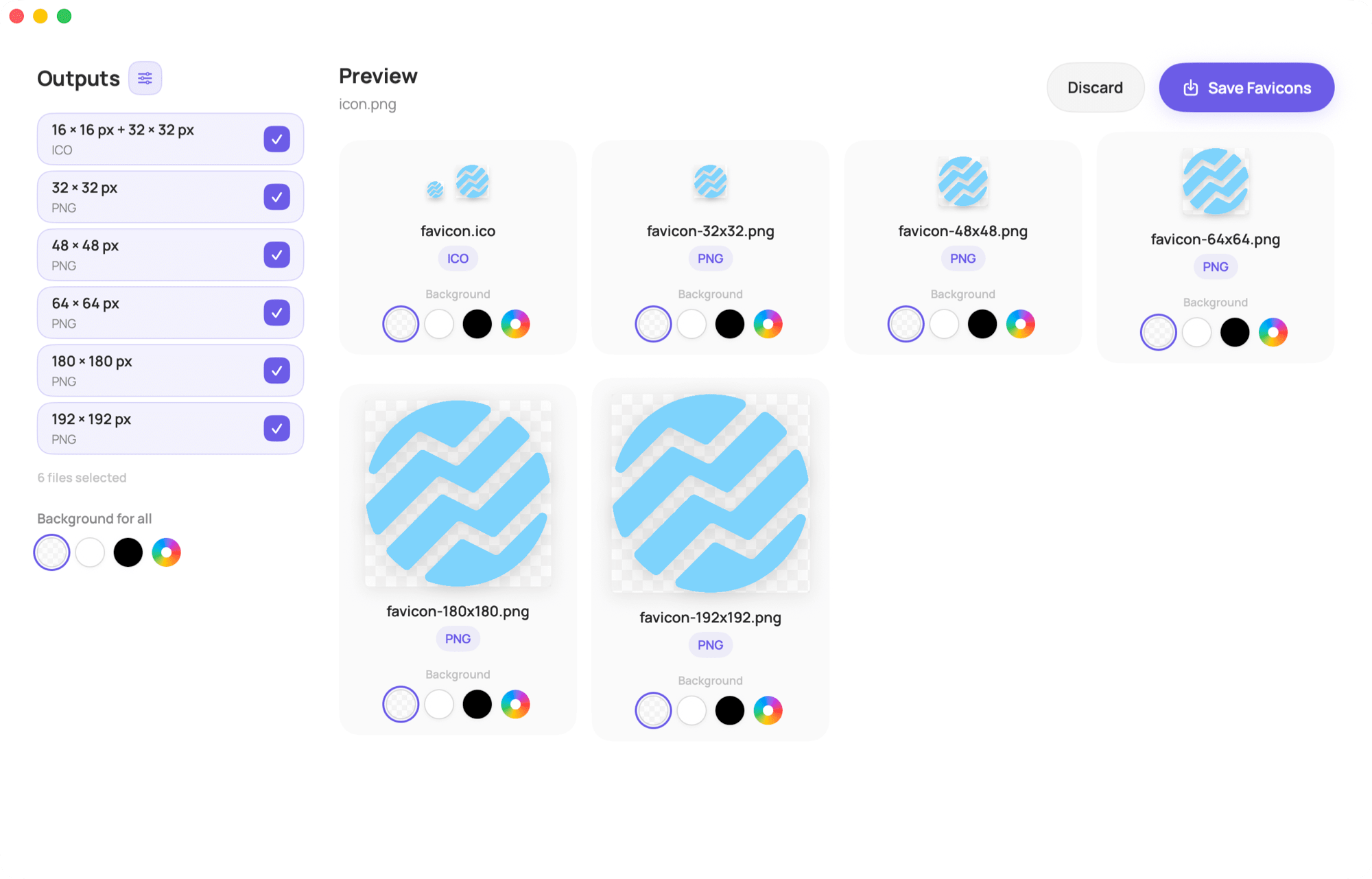
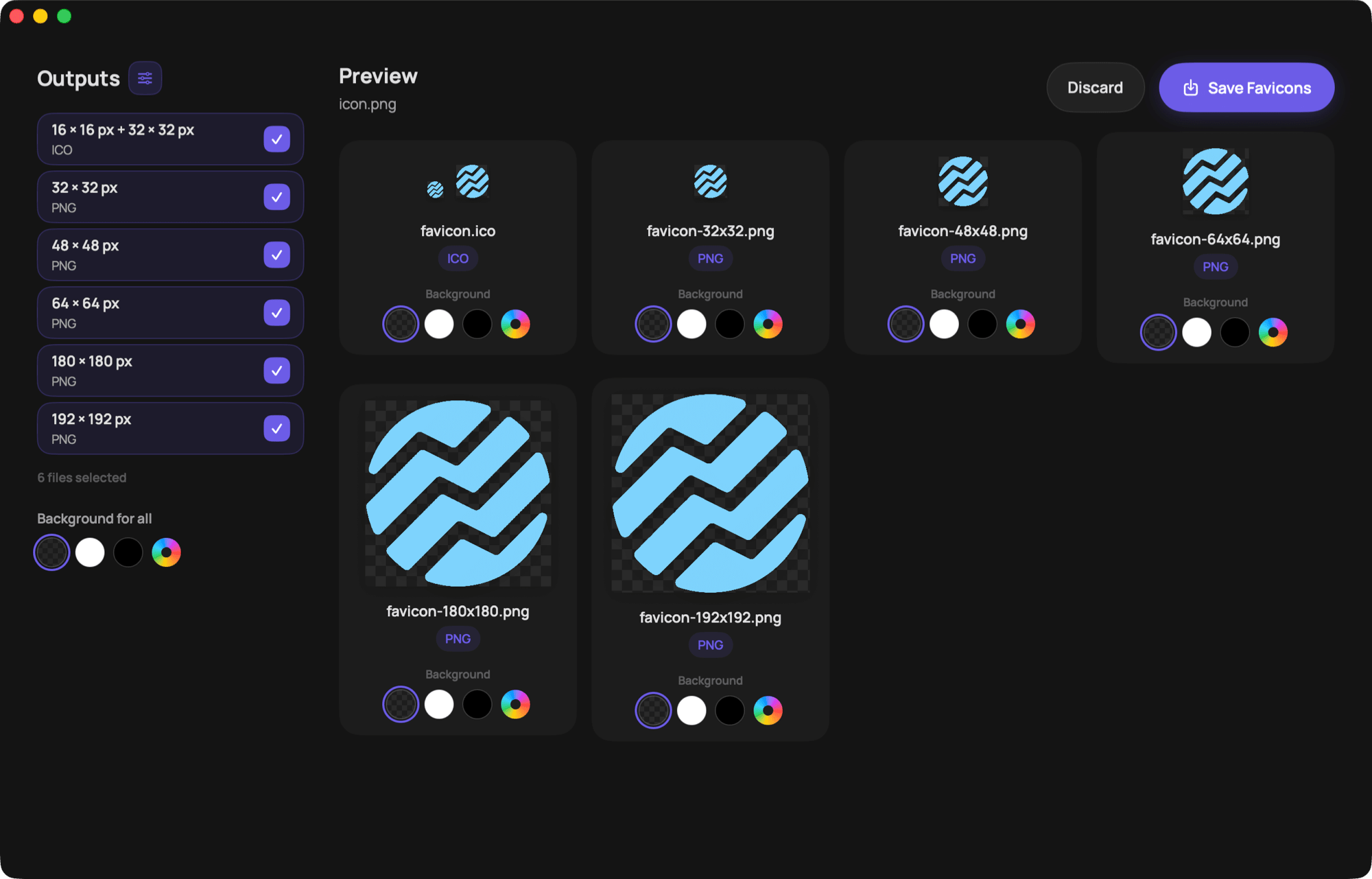
No cluttered interface. Just a clear path from your source image to a finished set.
Create every essential format in one go.

Your images never leave your Mac.

Small, fast and focused on the essentials.

Create your set and get straight back to work.

See the result before saving it.

Automatically matches your system.
Before the first launch
Faviset is currently not signed with an Apple Developer certificate. macOS will therefore block the app the first time you open it.